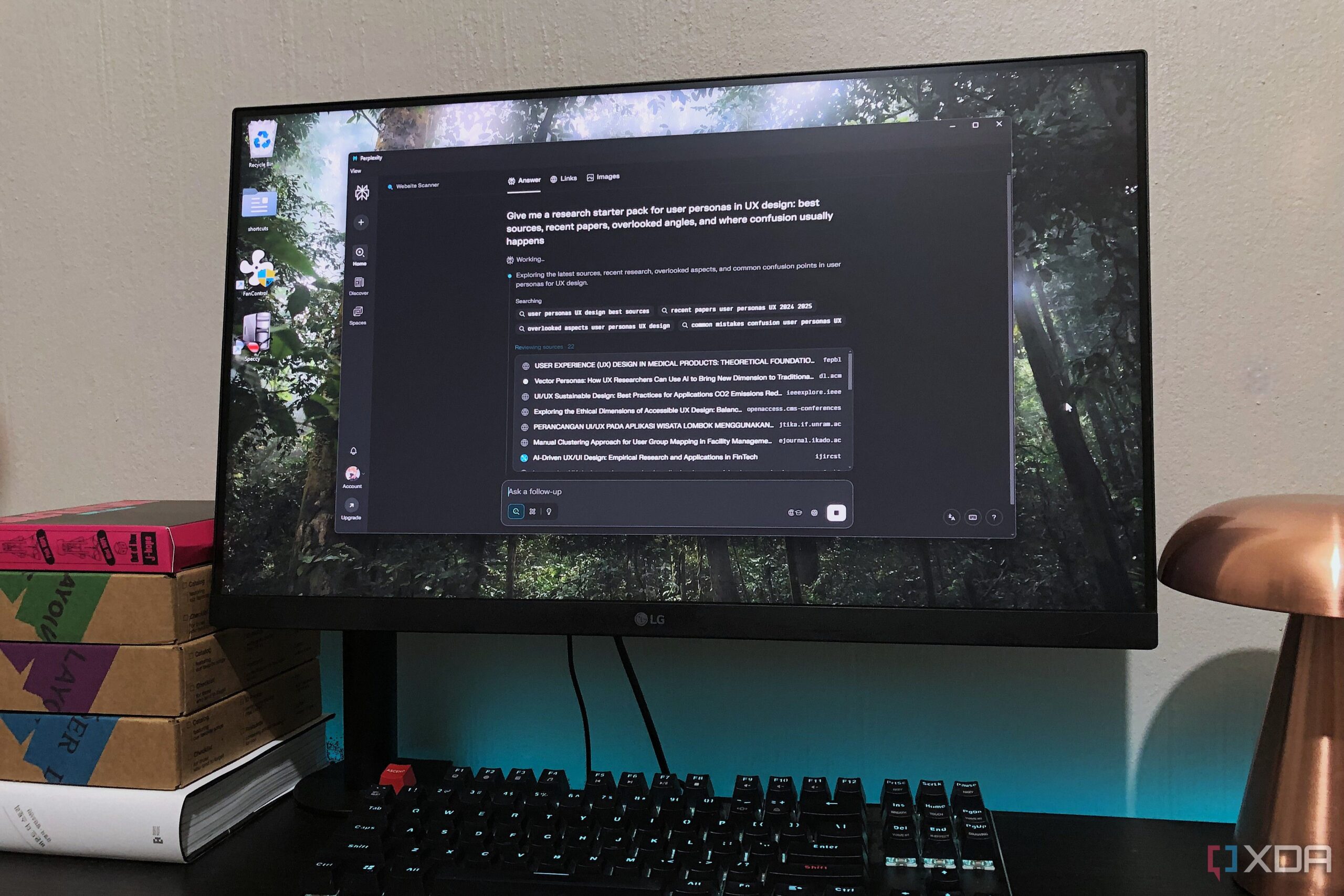
Navigating the complexities of research can often lead to overwhelming chaos, particularly for students and professionals who rely on multiple platforms to gather information. A recent strategy adopted by a design student has highlighted the potential of combining tools like Perplexity and NotebookLM to create a more efficient research workflow. This setup aims to reduce distractions and streamline the research process.
By focusing on just a few essential tools, the student has transformed a previously disorganized system into a more manageable approach. The integration of these applications, while not officially supported through plugins or extensions, utilizes Google Drive as a central hub for syncing and storing research materials. This method allows for seamless access to information without the clutter of multiple open tabs or platforms.
Using Perplexity for Research Initiation
Perplexity serves as the initial point of contact for research initiatives, providing a context-aware search engine tailored to specific queries. Unlike traditional search engines, Perplexity allows users to pull official sources and cross-check claims efficiently. The customizable nature of the tool means that users can dictate the type of information they require from the outset.
The student recommends employing specific prompts to maximize the effectiveness of Perplexity. Examples include mapping out core arguments on a given topic or creating a research starter pack that outlines essential sources and common points of confusion. Once the necessary information is gathered, it can be easily exported to a Google Drive-synced folder, facilitating organization and access.
Leveraging NotebookLM for Comprehensive Study
After collating data through Perplexity, the next step involves utilizing NotebookLM to analyze and summarize the information. With dedicated notebooks for various subjects, the student can create mind maps and extract key points effectively. This interactive approach not only aids in understanding but also enhances retention of the material.
Features such as Quiz and Flashcards within NotebookLM offer additional support for studying, transforming the notebook into an interactive learning tool. This capability allows students to treat their research as a comprehensive study guide, complete with answers and explanations, making learning more effective.
To maintain accessibility, the student integrates a local text application, Windows Notepad, into the workflow. This allows for offline access to notes and the ability to expand upon responses gathered from NotebookLM. By exporting documents into the same research folder, the student ensures that all materials are backed up and readily available.
The combination of Perplexity, NotebookLM, and a local notepad has significantly improved the student’s research process. While it does not eliminate the challenges of research, this streamlined approach fosters greater focus and efficiency, making it a viable solution for anyone dealing with information overload. Ultimately, the student’s experience showcases an innovative method to tackle research tasks with clarity and purpose.