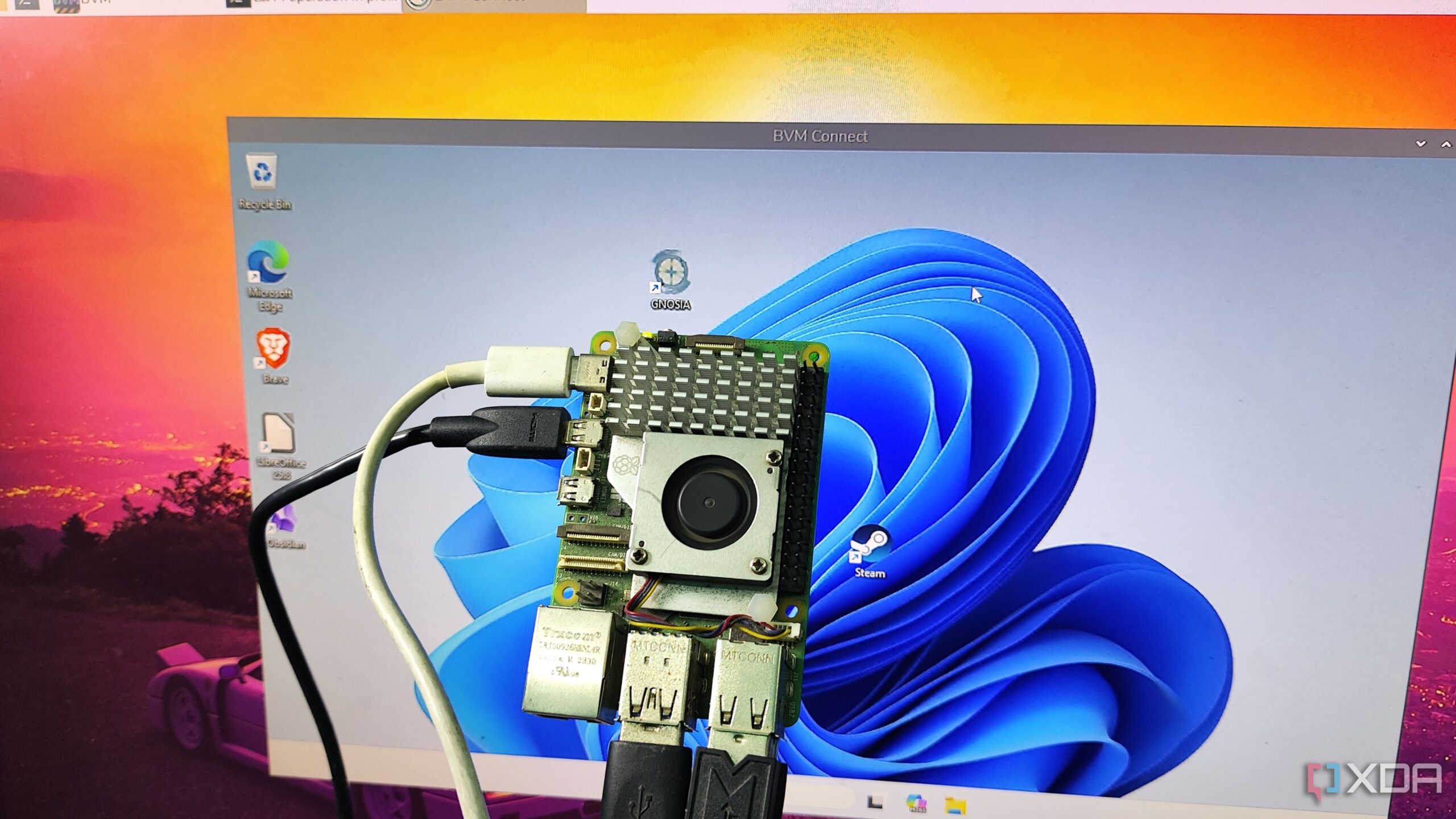
BREAKING NEWS: Innovative users have successfully deployed Windows 11 virtual machines (VMs) on Raspberry Pi devices, marking a groundbreaking achievement in DIY tech. This development has just emerged, showcasing the incredible capabilities of the popular single-board computer (SBC) in handling high-demand tasks.
In a world where powerful hardware usually reigns supreme, the Raspberry Pi community is shattering expectations. Users have discovered that, despite previous limitations, they can run VMs using Canonical’s MicroCloud on their devices, particularly the Raspberry Pi 5. This opens up a realm of possibilities for tech enthusiasts eager to experiment with virtualization on a budget.
Reports confirm that, with the right setup, it is possible to run up to four VMs simultaneously on the Raspberry Pi 5 without significant performance issues. This is particularly impressive given the resource-intensive nature of virtual machines. While traditional expectations suggest that such demanding applications would cripple the Raspberry Pi, users have found workarounds that allow for a surprisingly smooth experience.
The breakthrough involves using Ubuntu Server to install MicroCloud, a virtualization platform that is compatible with ARM architecture. Initial efforts to run other platforms, such as Proxmox, faced challenges due to compatibility issues. However, the shift to Ubuntu Server appears to have resolved these concerns, enabling users to explore virtualized environments effectively.
This development is particularly relevant for those interested in running Windows 11 on a Raspberry Pi. Using the Botspot VM, users can now set up a Windows environment that performs adequately for tasks like running PowerShell scripts and minor Visual Studio projects. While gaming or using resource-heavy applications may still pose challenges, the Botspot VM offers an accessible pathway to running Windows applications on a Raspberry Pi.
As tech enthusiasts rush to test this new capability, it’s essential to note the potential performance trade-offs. Users have reported that while operating on a 4K display can lead to significant slowdowns, switching to a 1080p display restores responsiveness. This adaptability makes the Raspberry Pi a viable option for many users exploring virtualization.
Moreover, while VMs are generating excitement, many experts still advocate for the use of containers over traditional VMs. Technologies like Docker and Kubernetes are easier to manage and allow users to run numerous lightweight applications simultaneously. This approach is particularly effective for those looking to maximize their Raspberry Pi’s capabilities without overwhelming its limited resources.
With these advancements in virtualization on Raspberry Pi, DIY tech enthusiasts have a new frontier to explore. As more users share their experiences and optimizations, the community is likely to see rapid developments and innovative applications that redefine what is possible with this compact computing device.
Stay tuned for further updates as this story develops. The Raspberry Pi continues to prove itself as a surprisingly powerful tool for tech experimentation, opening new doors for hobbyists and professionals alike. Share your thoughts and experiences with Raspberry Pi virtualization!