URGENT UPDATE: Roku users can now access a variety of hidden menus that may transform your streaming experience! These secret screens reveal diagnostic tools, advanced settings, and performance metrics that could improve your device’s functionality with just a few clicks of your remote.
New reports confirm that Roku has several “secret” options designed to help users troubleshoot and enhance their devices. This is particularly significant for tech enthusiasts looking to optimize performance or simply explore new features. By unlocking these hidden menus, users can perform tasks like soft resets, view detailed channel info, and even check the CPU temperature of their streaming device.
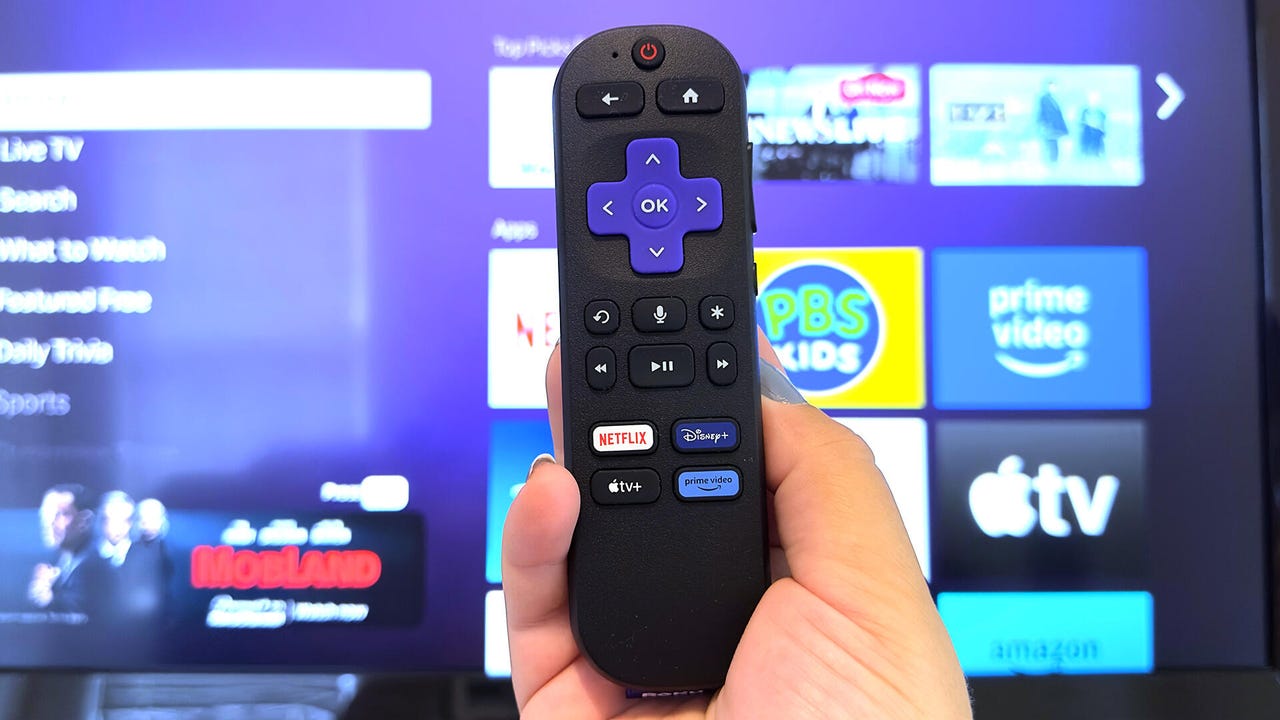
WHAT YOU NEED: A Roku device and remote control. If the physical remote isn’t available, the Roku app can also be utilized.
HERE’S HOW TO ACCESS THE SECRET MENUS:
1. **Developer Settings**: Unlock a dev playground by pressing Home three times, Up twice, and then Right, Left, Right, Left, Right. This option allows developers to sideload apps and manage their Roku accounts.
2. **Network Menu**: Quickly access your IP and MAC addresses by hitting Home five times, followed by Right, Left, Right, Left, Right. This menu also allows users to join networks and toggle bandwidth-saving modes.
3. **Wireless Secret Screen**: Diagnose your connection issues by pressing Home five times and then Up, Down, Up, Down, Up. This screen provides signal strength, glitch rates, and even runs AP speed tests.
4. **Reset and Update Menu**: Access options for factory resets and firmware updates by pressing Home five times, Fast Forward three times, and Rewind twice. This can be a lifesaver if your Roku is experiencing issues.
5. **Ads and Screenshots Menu**: Control ad settings and screenshot formats by tapping Home five times, followed by Up, Right, Down, Left, Up. This menu allows you to customize your ad experience.
6. **HDMI Secret Screen**: Check your device’s HDMI capabilities by pressing Home, Down, Left, Up, Up, Up. This area lets you manage input settings and refresh rates.
7. **Platform Secret Screen**: Access granular performance data, including CPU temperature and memory usage, by pressing Home five times, then Fast Forward, Play/Pause, Rewind, Play/Pause, Fast Forward.
8. **Channel Info Menu**: View specific build information for streaming apps like Netflix and Disney+ by accessing this menu via Home, then navigating to the desired app.
9. **Reboot Shortcut**: Quickly restart your Roku by pressing Home five times, followed by Up, Rewind twice, and Fast Forward twice. This bypasses menus for an immediate reboot.
These hidden menus are not just for serious techies; they offer a fun way for any Roku user to dive deeper into their device’s capabilities. If you find yourself experiencing slow performance or frequent buffering, checking these menus might provide the necessary solutions.
WHY IT MATTERS NOW: With the streaming landscape becoming increasingly competitive, maximizing the performance of your Roku device can enhance your viewing experience and save you time. Many users are unaware of these features, potentially missing out on a smoother streaming experience.
WHAT TO WATCH FOR: Stay tuned for more updates on Roku’s features and improvements. As technology evolves, Roku is likely to introduce even more functionalities aimed at enhancing user experience.
This is a must-try for anyone who wants to make the most out of their Roku. Spread the word and share this with fellow streaming enthusiasts!