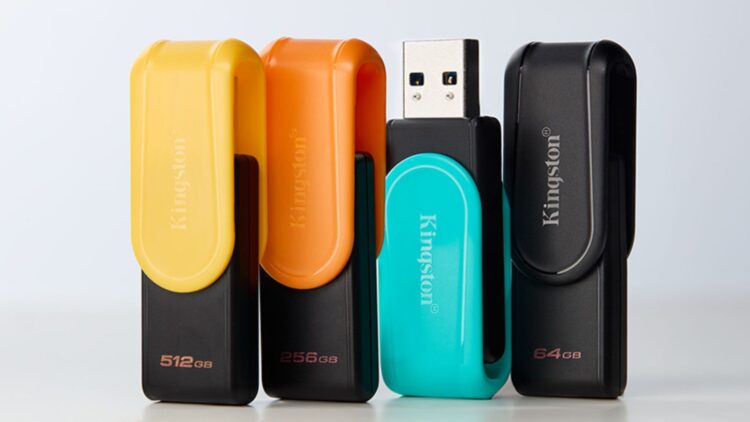
USB flash drives, often referred to as USB sticks, offer a range of functionalities that extend beyond mere data storage. With the advancement of technology, particularly the introduction of USB 3.0 models, these devices have become vital tools in the tech landscape. While their primary role is to store and transfer files, they can also enhance computer performance, facilitate operating system installations, and serve as security keys.
Enhancing Computer Performance
One of the lesser-known uses of a USB drive is its ability to increase computer memory. This is achieved through the ReadyBoost feature available in Windows. By plugging in a USB drive and accessing its properties, users can activate this function to optimize performance, especially for older machines. While it does not replace RAM, it can significantly enhance system operations, particularly when using faster USB drives.
Streamlining Operating System Installations
In today’s digital age, relying on CDs and DVDs for operating system installations is becoming obsolete. USB drives now allow users to install Windows or Linux directly. Microsoft provides a “Windows Installation Tool,” while applications like UNetbootin facilitate the creation of bootable Linux drives. Once the USB drive is prepared, users can restart their computers and adjust the BIOS settings to boot from the USB, making it an invaluable resource for technicians and frequent users of system formatting.
Repairing Non-Starting Computers
When a computer fails to start, a USB drive can serve as a lifeline. Tools such as Hiren’s BootCD PE enable users to run a lightweight operating system from a USB drive, granting access to various repair programs, antivirus software, and data recovery tools. To utilize this feature, users must download the necessary software, install it on the USB, and restart their computer with the drive connected.
In addition to these functions, USB drives can also expand storage for mobile devices. Users with iPhones or iPads running iOS 13 or later can connect USB-C drives or Lightning connector models to boost their device’s storage capacity. For Android users, USB-OTG compatibility allows for direct connection of external drives, simplifying file transfers and backups without the need for cloud services.
Another innovative application of USB drives is as security keys. Programs like USB Raptor or KeyLock transform a USB drive into a digital key, ensuring that computers remain locked until the drive is connected. This provides an effective method for protecting sensitive data, particularly in shared office environments. For optimal convenience, a small model or one designed with a keychain can help users maintain security without sacrificing portability.
As technology continues to evolve, the versatility of USB drives remains significant. Their capacity to serve multiple purposes—from enhancing performance to ensuring data security—makes them an essential tool for both personal and professional use.